Money tracking without the boring part
Say what you spent. Qalta writes it down and sorts it.
- Voice
- Scan
- Private
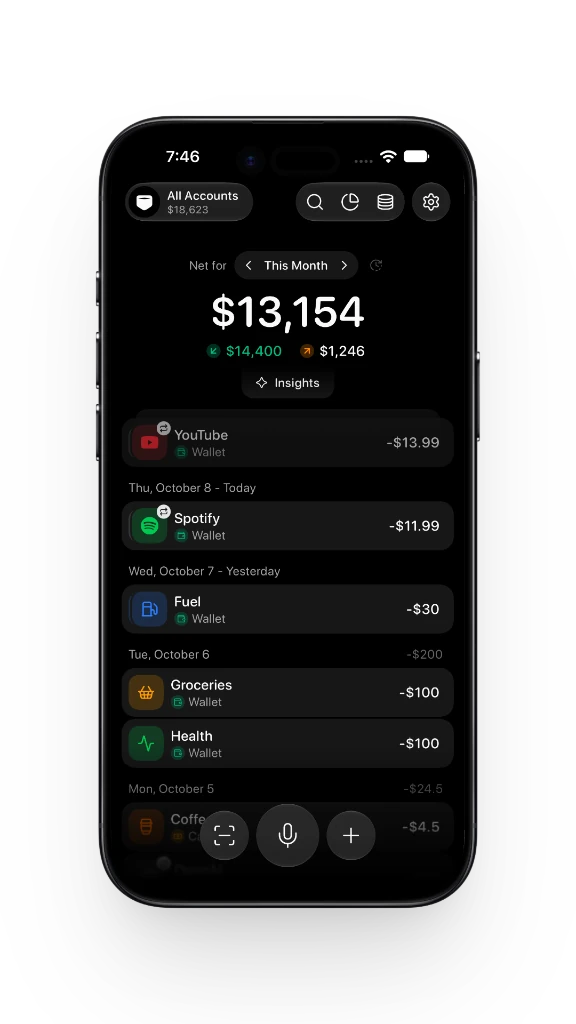
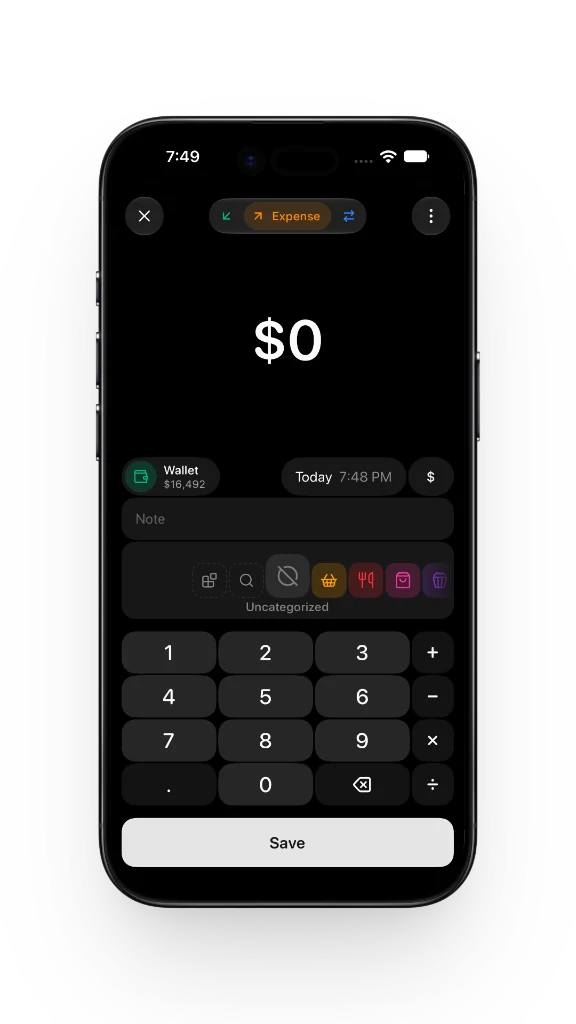
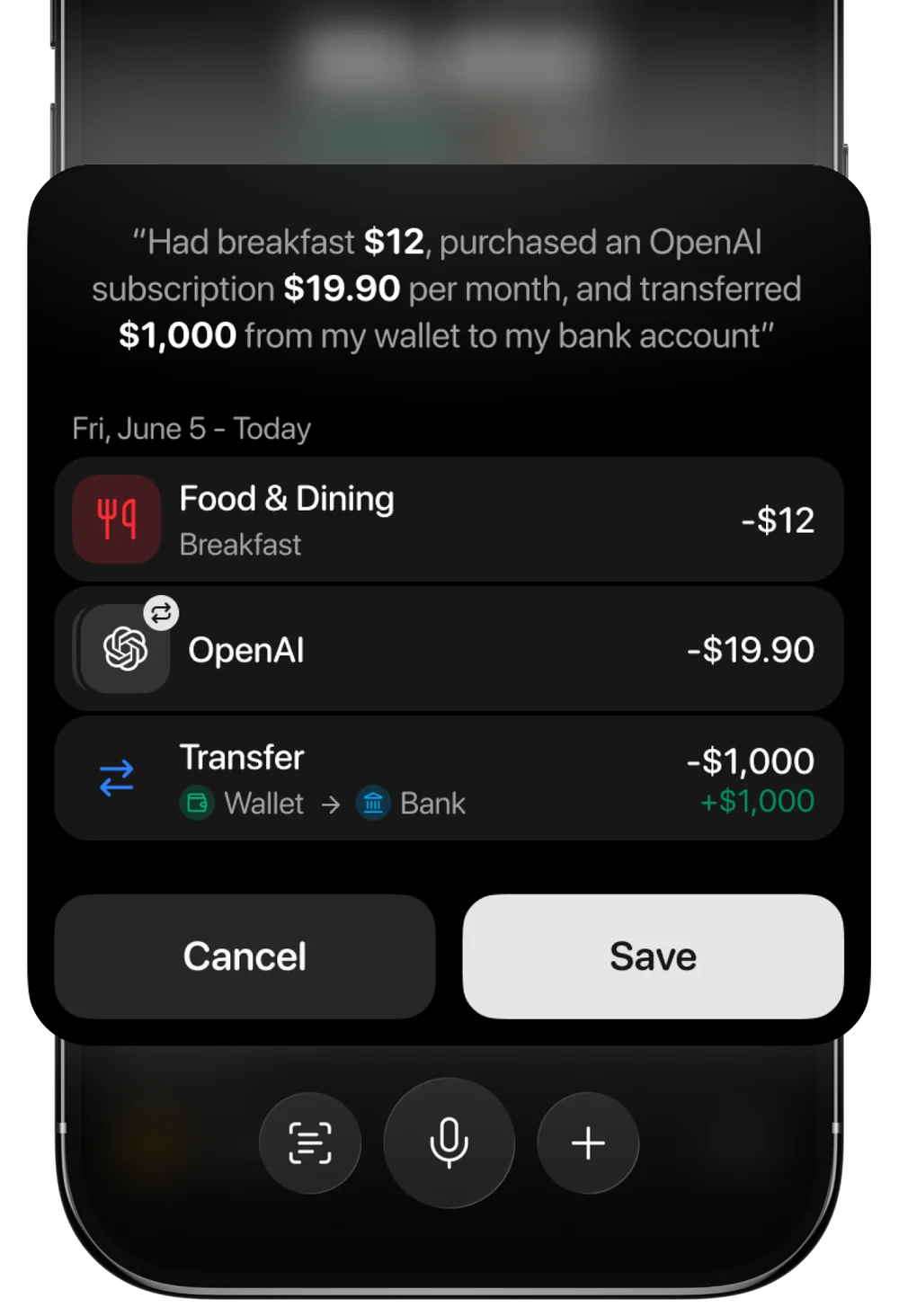
Just speak to log Add expenses in seconds
One sentence can become several rows, even a subscription and a transfer.
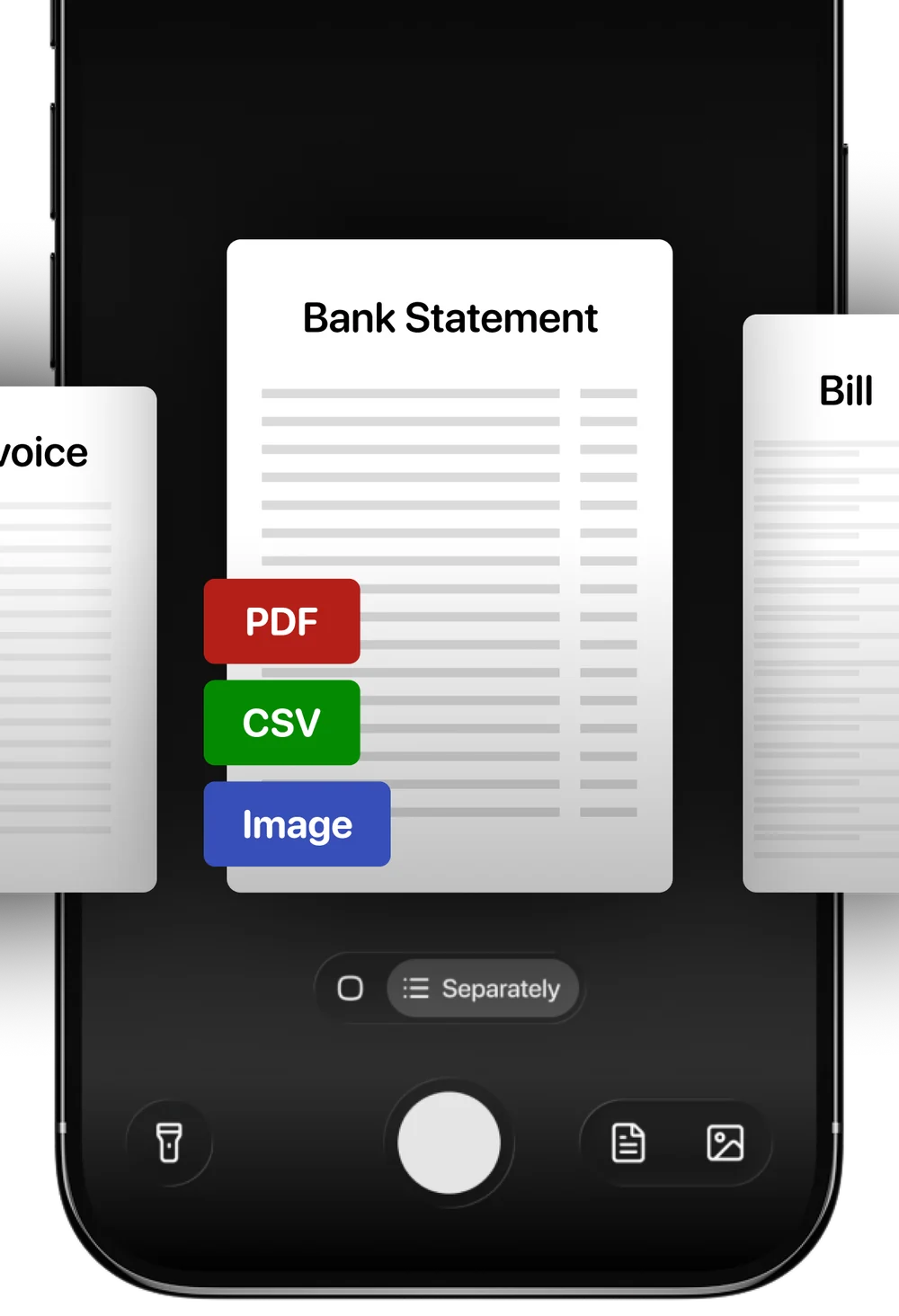
Scan documents Amount and category, filled in
Receipts, bills, PDFs, CSVs, and bank statements.
Track money together One budget for two or a family
Share a space with a partner, family, or roommates. Everyone adds expenses, and the totals stay the same on every phone.

Log without opening the app
Apple Pay
Pay as usual. Qalta saves the amount and the place.
Bank notifications
A payment notification becomes an expense.
Shortcuts
Siri, Back Tap, the Action Button, or a widget.
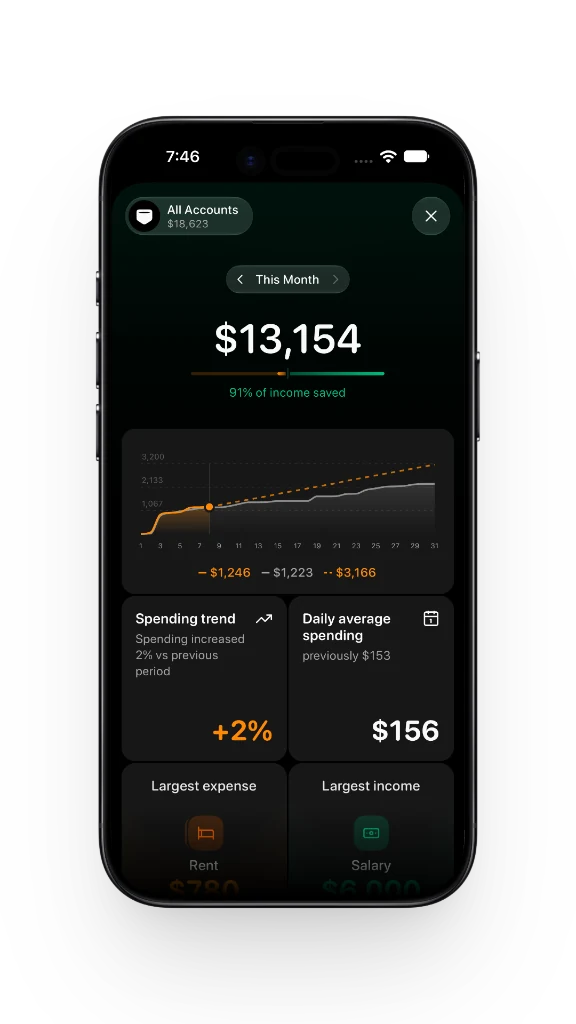
Smart insights Savings, trends, forecasts
Trends, subscriptions, and the categories that are easy to miss.
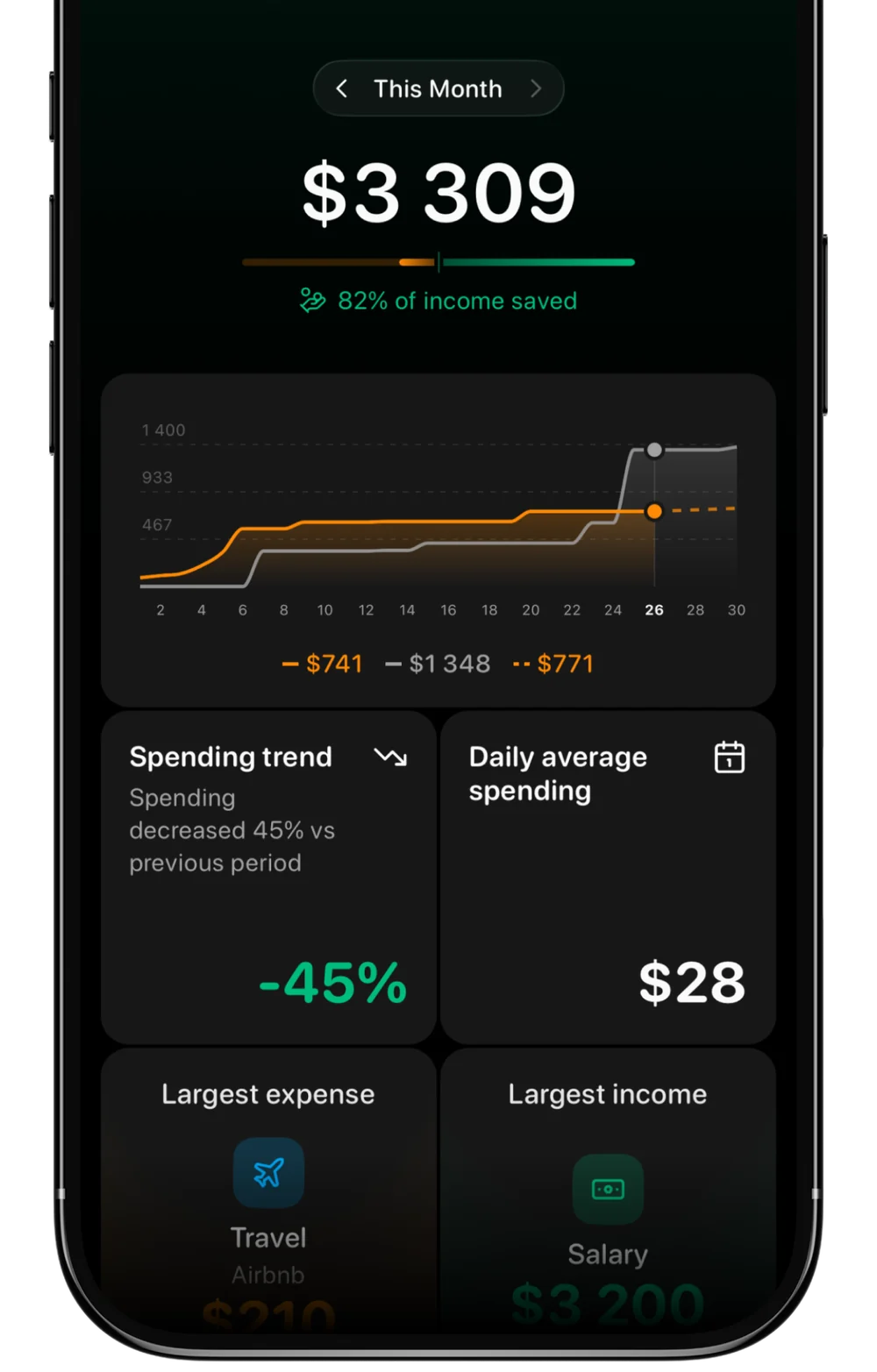
Spending trend
vs previous period
−45%
Daily average
$28
Saved this month
of income
82%
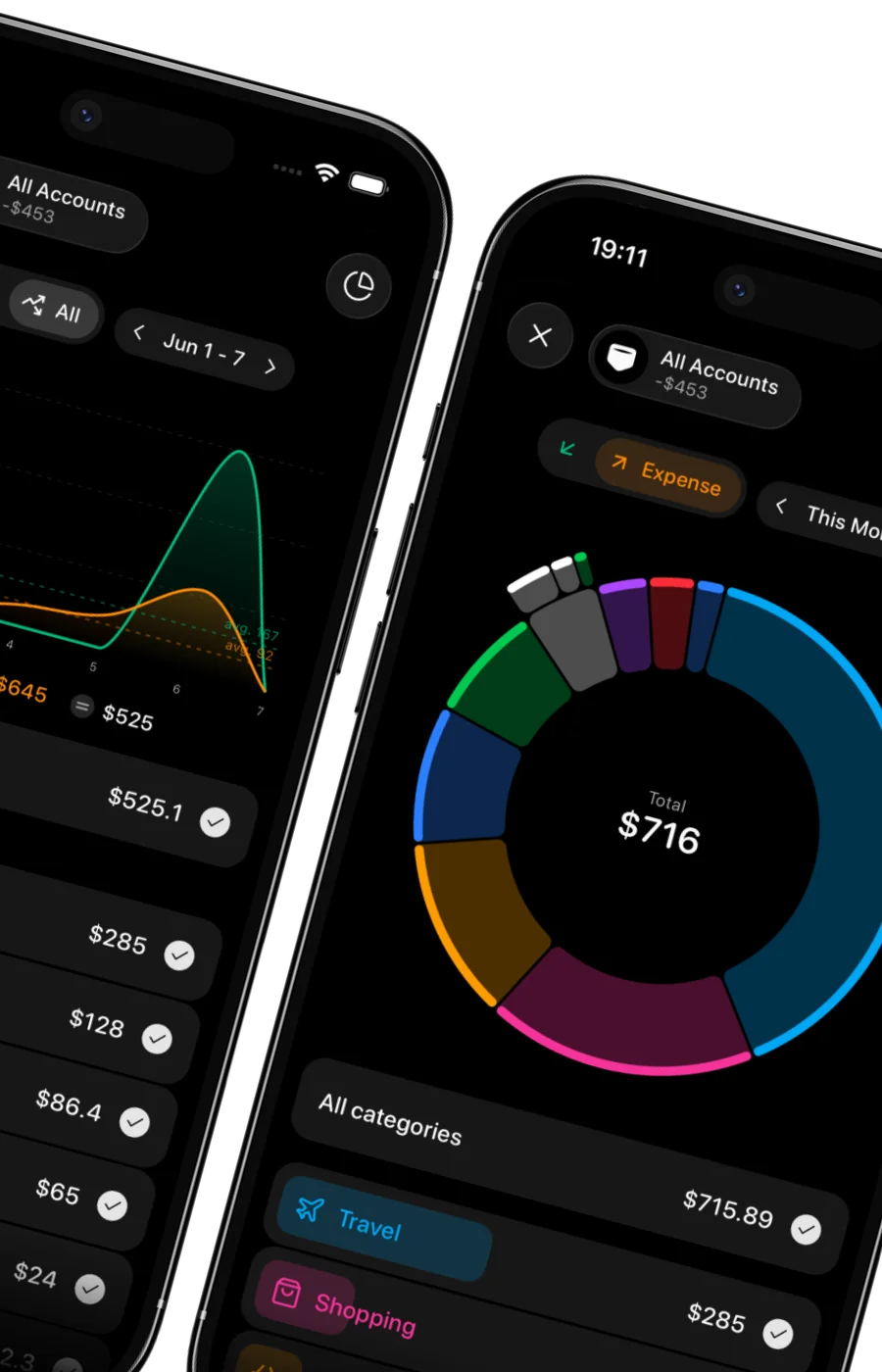
Visual analytics
Pie, line, stacked bars, cashflow.
Largest expense
Travel
$210
Largest income
Salary
$3,200
The everyday parts Budgets, repeats, currencies
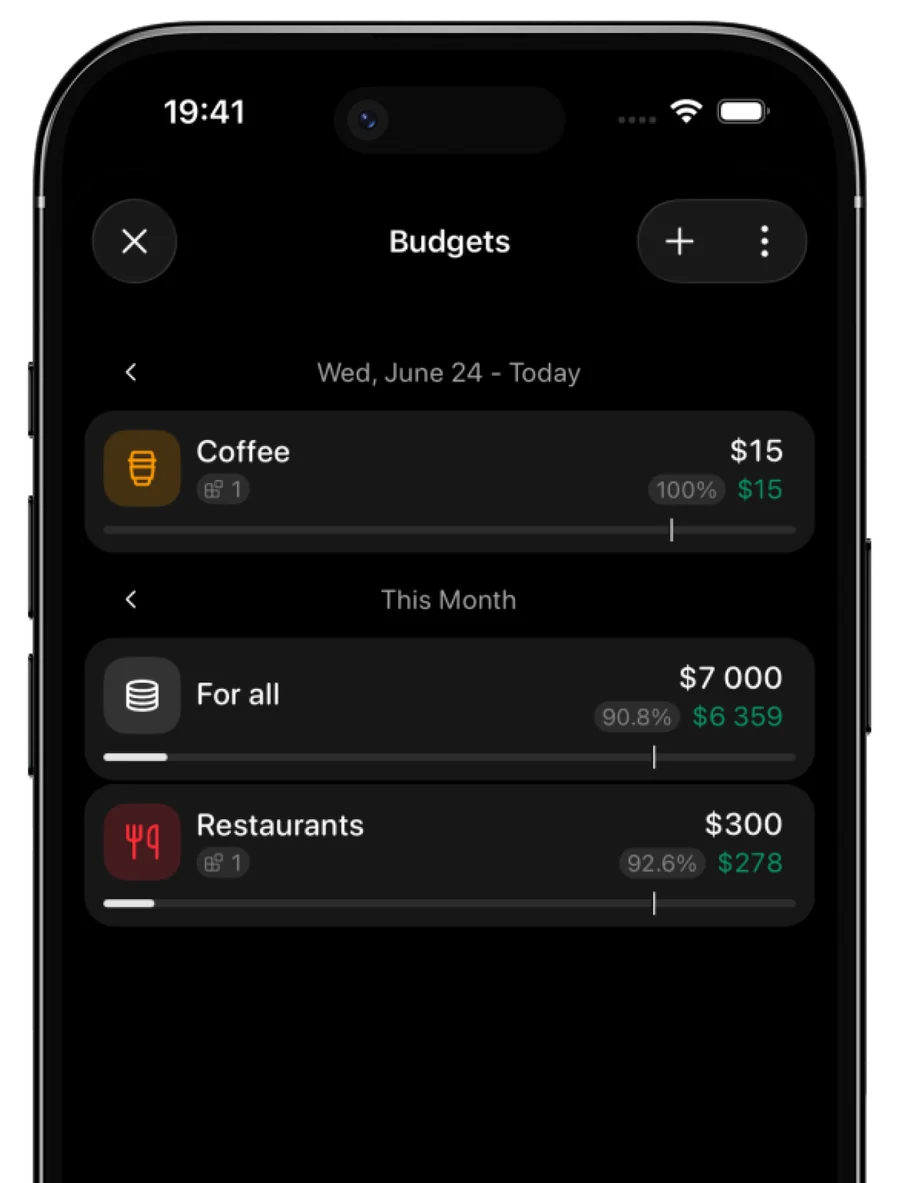
Stay on budget
Limits by category or account.
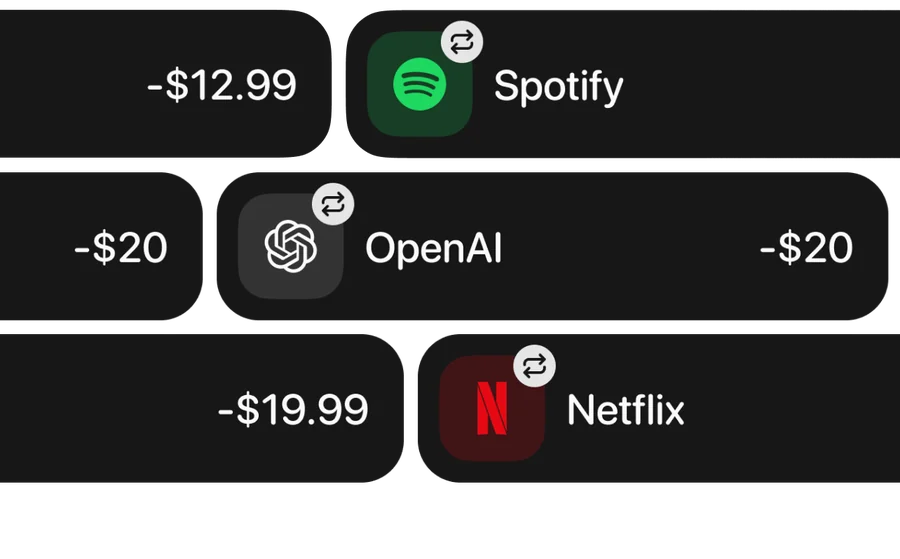
Track subscriptions
See what repeats every month.
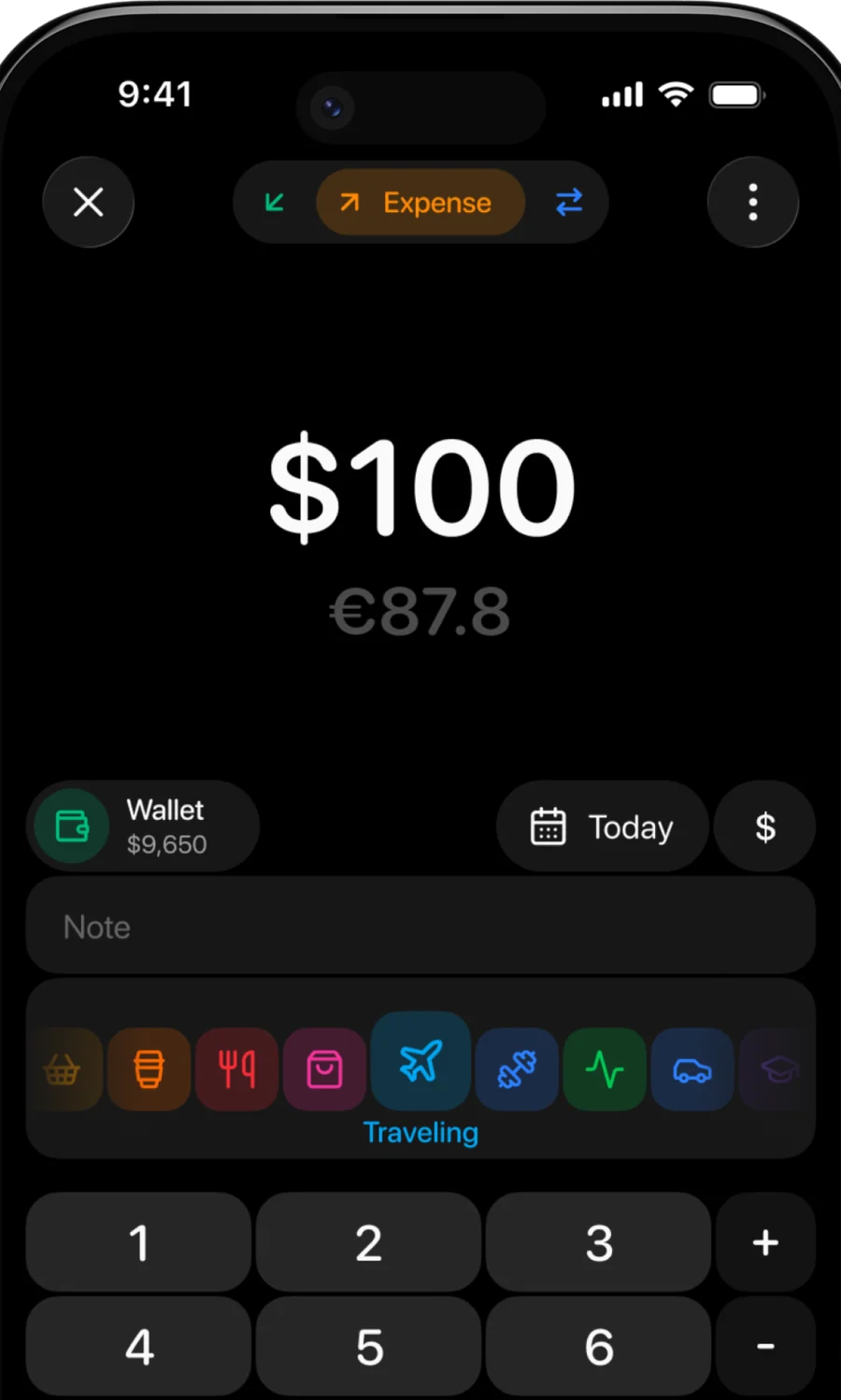
Multi-currency
Live rates for travel and remote work.
-
Debts
Who owes whom.
-
Goals
Savings linked to an account.
-
Separate spaces
One ledger for home, another for work or a trip.
-
Import and export
CSV from CoinKeeper, YNAB, Monarch, and others.
Your journal stays on your iPhone
Optional backup goes to your own iCloud. No ads.
A shared space is uploaded only when you choose to share it.
Voice and scans are sent to our server and OpenAI only to read them.
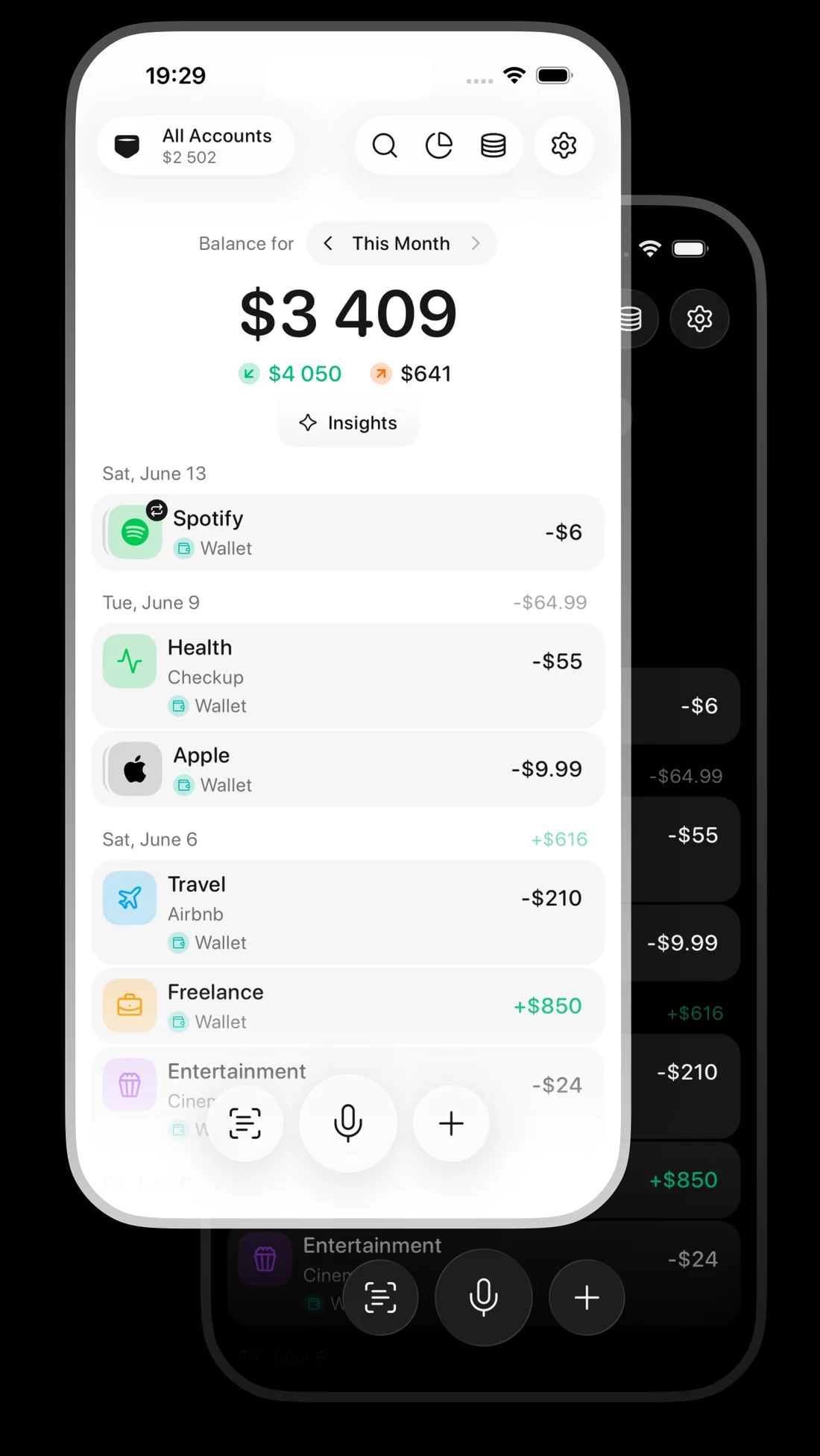
Clean Light & Dark
The same screen, either way.
Questions and short answers
What is Qalta?
Qalta is an expense tracker and budget app for iPhone. You say what you spent or scan a receipt, and Qalta writes the transaction down and sorts it into a category. It also handles budgets, subscriptions, goals, debts, multiple currencies, and shared budgets.
Can I share a budget with my partner or family?
Yes. Create a shared space and invite people with a link. Up to 6 people can be in one space. Everyone sees and edits the same accounts, transactions, and budgets, changes sync automatically, and each transaction shows who created or last edited it. Shared spaces are part of Qalta Pro.
How does voice expense tracking work?
Tap the microphone and say something like “Coffee $5 and Netflix $10 every month”. Qalta fills in the amount, category, account, and repeat schedule. One sentence can hold several transactions, including transfers and subscriptions.
Can Qalta log Apple Pay purchases automatically?
Yes. A Shortcuts automation saves every Apple Pay payment with its amount and merchant. On iOS 27 a bank app’s payment notification can create an expense too. Follow the step-by-step guides.
Can I move my history from another budgeting app?
Yes. Qalta imports CSV files from YNAB, Monarch, Copilot, Rocket Money, Spendee, Monefy, ZenMoney, CoinKeeper, and other apps, and exports your data to CSV at any time.
Is my financial data private?
A private space stays on your iPhone, with optional backup to your own iCloud. A shared space is uploaded only when you choose to share it, and only the people you invite can see it. Voice recordings and scans are sent to Qalta’s server and OpenAI only to read them. There are no ads.
How much does Qalta cost?
Qalta is free to download with a free plan. Qalta Pro adds unlimited transactions, voice, and scans, plus shared spaces, for $3.99 a month or $29.99 a year. The Family plan shares Pro with up to 6 people for $5.99 a month or $49.99 a year. Prices are in US dollars and vary by region.
Which devices and languages does Qalta support?
Qalta runs on iPhone with iOS 16.4 or later, and also on Macs with Apple silicon and Apple Vision Pro. It is available in English, French, German, Italian, Japanese, Kazakh, Korean, Polish, Portuguese, Russian, Spanish, Thai, Turkish, and Ukrainian.